Get started with INFEPY
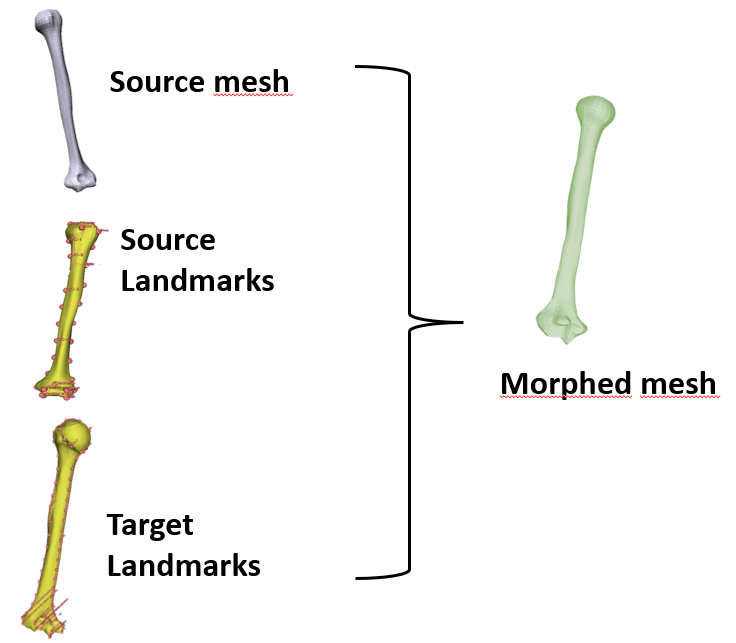
Landmarking and morphing
What you need to use infepy
Inputs files:
- Landmarks file of the Source Volume
- Landmarks file of the Target Volume.
- Finite Element Mesh file of the Source Volume.
Output:
- Morphed volume: the deformed mesh according to the landmarks provided.
Note
There can multiple targets to morph. Infepy checks if there are multiple forlder in the target folder. If that is so, it morphes multiple files.
Supported files extensions:
- For mesh files:
- LS-DYNA keywords files (.key/.k)
- Comma-Separated Values file (csv)
- For landmarks files:
- LS-DYNA keywords files (.key/.k)
- Comma-Separated Values file (.csv/.fcsv)
- Extensible Markup Language (.xml) – beta usage!